
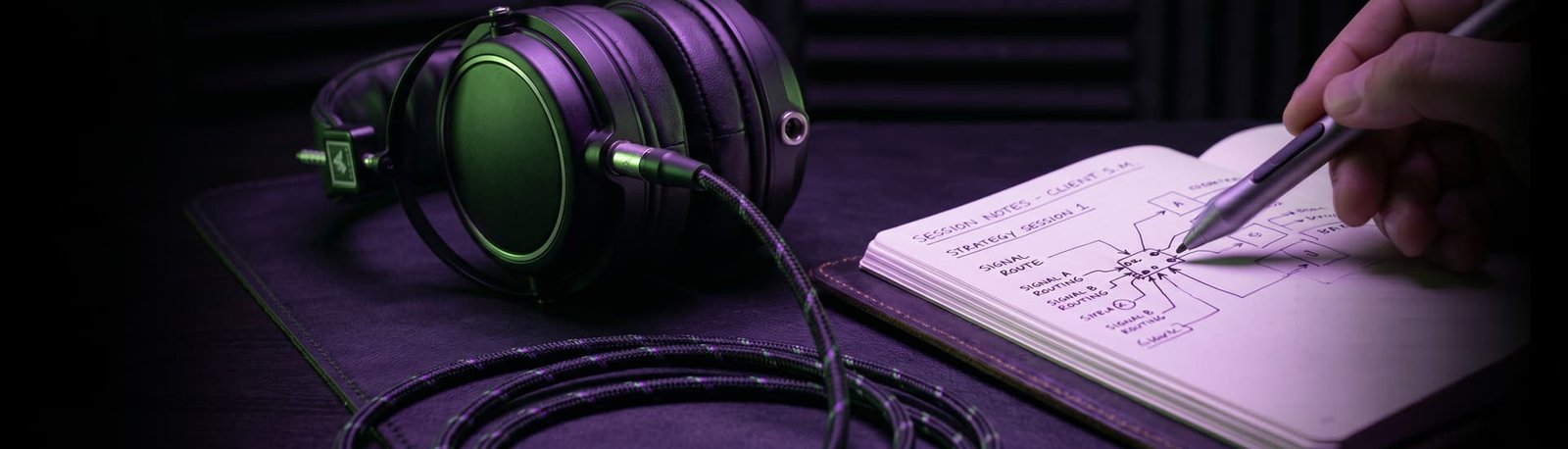
Full Studio Setup
£180 · around 2 hours
5.0 from 175+ Google reviews for my consultancy, Audio Support
What it is
A hands-on remote session where I set up your whole signal path with you, from the microphone, through your audio interface, into your recording or streaming software, so you finish with a setup that sounds right and keeps working.
How the session runs
1. Book and plan. You book a time through this website. When we start, I call you on WhatsApp. That keeps our conversation on your phone, separate from the mic we’re setting up, so we can switch things on and off without losing each other. We agree a plan for the session.
2. I connect to your computer. I use AnyDesk, a secure remote-desktop app, so I can see your screen and work on it with you. I also set up Audiomovers LISTENTO, which sends your audio to me in real time, so I hear exactly what your listeners will hear.
3. Your microphone and room. We check the mic is the right way round, on the right pickup pattern and at a good distance, and that the position suits how you work. A streamer and a voiceover artist need different set-ups. We’ll talk about your room too. If your gear is still in the box, we start from scratch.
4. Your audio interface. I show you where each cable goes, how to set your gain and how to monitor through your headphones. Then we run a quick test: record, play back, and check your computer’s audio comes through the interface rather than a separate sound card.
5. Your software. I’ll work with whatever you use: OBS, Logic Pro, Adobe Premiere, GarageBand, Audacity or another DAW. In OBS I build you a tidy, clearly labelled template you can use as it is or edit yourself.
6. Shaping your sound. While you talk, stream or read a script as you normally would, I build a chain of effects to suit your voice and setup: noise gate, noise removal, EQ, compression and a limiter. If there’s a streamer or voice you’d like to sound like, I’ll use them as a reference. We’ll do loudness tests (shouting, whispering, moving around) so the levels hold up when you get excited or lean back. Want it brighter or warmer? Just say, and I’ll adjust as we go.
7. Test, label and save. We do a final test recording and a test stream, I label everything, and you take screenshots and notes of the settings. OBS doesn’t store presets, so this is your backup. I also check your computer isn’t overloaded, so there’s no crackling, latency or buffering.
8. I check in a week later. I’ll make sure everything’s still working, and reconnect for a tweak if needed.
I explain what I’m doing the whole way through, so you understand your setup and not just own it.
Add-ons
Want game audio routed into OBS, a custom soundboard, or help adding podcast guests? I can set those up too. They’re quoted separately and aren’t part of the Full Studio Setup.
Book a Full Studio Setup · Not sure what you need? Get a free diagnosis
Ready to Perfect Your Sound?
Don’t waste another hour searching for the perfect YouTube tutorial. Let an expert do the heavy lifting so you can focus on creating.
Fix My Setup