
Case Study: Getting Started as a Voice Actor
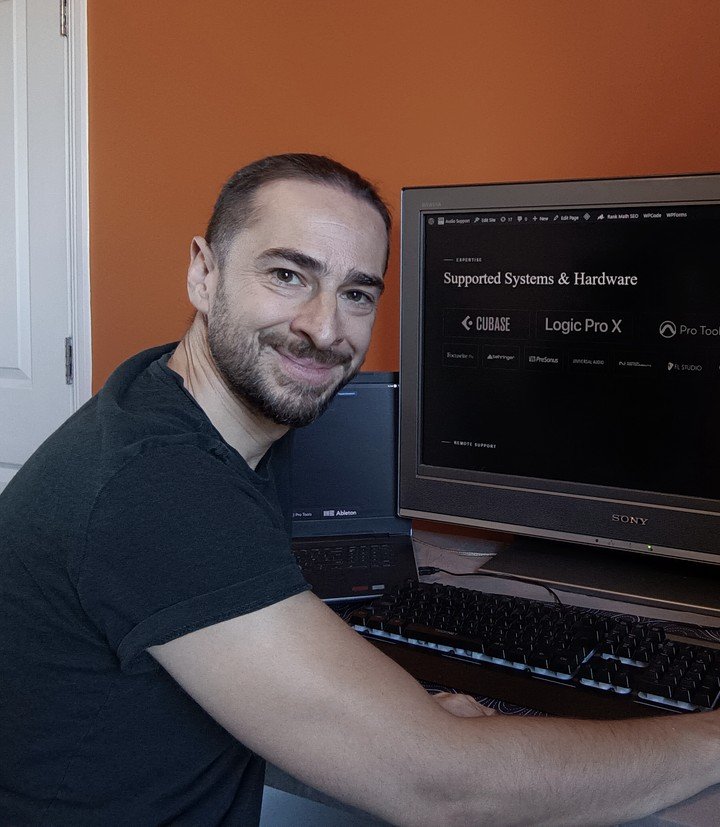
- Client
- A new voice actor
- Setup
- MacBook, Focusrite Scarlett 2i2, RØDE NT1-A, Audacity
- Problem
- Had all the gear but couldn’t get it working together
- Fix
- Set up the mic and gain, configured Audacity, and taught a recording routine he could repeat on his own
The Challenge
A voice actor had already purchased recording equipment for a new home studio, including a MacBook, Audacity software, a Focusrite Scarlett 2i2 interface, and a RØDE NT1-A microphone. However, he was stuck getting everything working together and booked a Full Studio Setup session for professional guidance.
What I did
We connected via WhatsApp video and AnyDesk for a remote Full Studio Setup session to systematically build his recording chain.
- Physical Setup: I guided the client through how and where to make the physical connections for the USB, microphone, and headphone cables.
- Hardware Gain Staging: We opened Focusrite Control to check the meters, and I explained the Analogue 1 Gain control so he could set the right level for his voice, showing how too much gain causes distorted audio.
- Software Configuration: I showed him how to find Audacity’s Audio Setup options and set the Focusrite Scarlett as both the input and output device.
- Recording Workflow: I demonstrated how to use Audacity’s editing functions to remove the unwanted start and end of recordings, and how to export the final file as a WAV.
- Futureproofing the Studio: I recommended a small headphone amplifier, as the Scarlett 2i2’s output didn’t suit his Audio-Technica headphones, and suggested GarageBand as an upgrade from Audacity for now, with Logic Pro for future podcast and audiobook work.
The Result
By the end of our hour, the client was very happy that he had all his equipment working. We made test recordings, the last with him doing every step himself, and he was confident making basic recordings by himself, with his voice recorded cleanly and sounding great.
Client feedback
The client kindly took the time to leave an incredible 5-star review of our session:
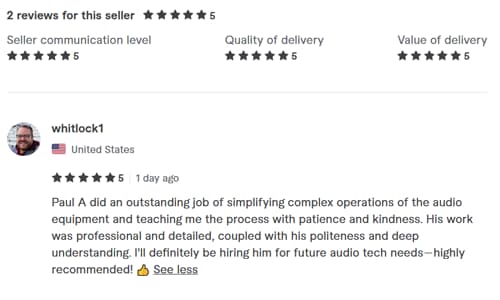
“Paul A did an outstanding job of simplifying complex operations of the audio equipment and teaching me the process with patience and kindness. His work was professional and detailed, coupled with his politeness and deep understanding. I’ll definitely be hiring him for future audio tech needs—highly recommended!”
This article was originally published as a field case study on my sister site, Audio Support, and has been adapted for Amazing Audio.
Got a problem like this?
Send me a short clip and tell me what’s going on. I’ll reply in writing by the next UK working day, and it’s free.
Get a free diagnosis