
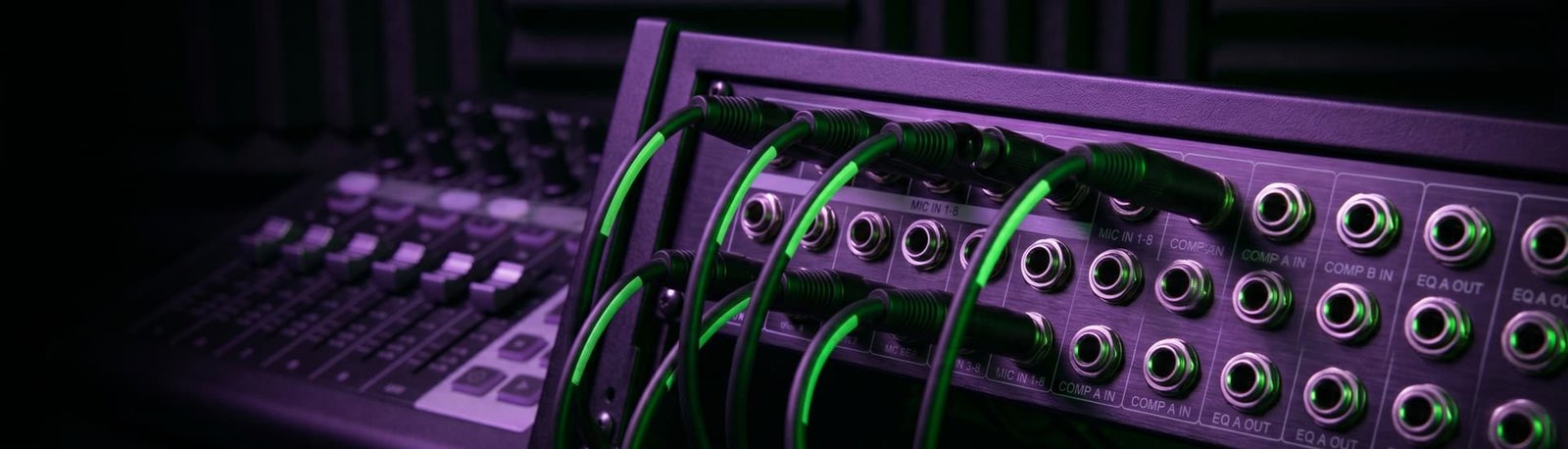
Hardware Integration: Building a Bulletproof Setup
5.0 from 175+ Google reviews for my consultancy, Audio Support
The Physical Foundation of Your Studio
You never quite know what you’re going to get when connecting studio hardware. Every content creator takes their own unique path to building their setup, mixing different brands, cables, and computers. But while the gear varies, the roadblocks are almost always the same. Integrating hardware isn’t just about plugging in a USB cable; it’s about ensuring physical components communicate reliably with digital software.
How to Do It Yourself
If you are building your own studio, you need to master three distinct areas of hardware integration to avoid ruining your recordings:
- 1. The Audio Interface: This is your studio’s brain. First, ensure your drivers are installed and your Mac hasn’t silently blocked security permissions for the device. Watch out for simple physical mistakes, like plugging your headphones into the Line Output jacks on the back. Finally, be wary of the “bonus” buttons on modern interfaces. Features like Focusrite’s “AIR” can add nice presence, but often they just increase the noise floor. Similarly, “Auto-Gain” features can produce unexpected volume fluctuations that ruin a vocal take.
- 2. Outboard Gear & Virtual Mixers: If you add external preamps or hardware compressors to your chain to gain “analogue warmth,” you must get your physical gain staging perfect. If you compress a bad signal through a hardware unit, that damage is permanently “baked in” and cannot be fixed in post-production. You also need to manage the interface’s control software (like Focusrite Control or RME TotalMix). If you don’t configure these virtual mixers correctly, you might hear your voice twice—once from the interface and once from OBS/your DAW—resulting in a disorienting, doubled “alien” voice in your headphones.
- 3. Monitoring & Impedance: Your headphones and speakers must match your interface. If you plug high-impedance studio headphones into an interface with a low-power headphone amp, you will hear a very weak, quiet signal. This is dangerous because it tricks you into thinking your stream or recording is too quiet, causing you to overcompensate and accidentally send a massively distorted, loud signal to your audience. Furthermore, always monitor on headphones when recording to prevent microphone bleed and feedback from desktop speakers.
Why Get Expert Help?
Buying expensive hardware does not guarantee a professional sound; in fact, it often creates more problems. High-end interfaces come with massive functionality that a simple vocal setup doesn’t need. If configured incorrectly, an expensive piece of gear will actively introduce latency and routing nightmares.
When you book a session with me, I take the guesswork out of your physical setup. I diagnose hidden driver conflicts, fix headphone impedance mismatches, disable destructive auto-gain features, and properly calibrate your external preamps. I make sure what you hear in your headphones is exactly what your audience hears on the other end.
Social Proof: Real-World Solutions
Read how my expertise in hardware integration has rescued clients from frustrating technical dead-ends:
- Case Study: Simplifying RME TotalMix FX
A breathwork teacher invested in an elite RME audio interface but couldn’t even achieve basic monitoring without delays. Discover how I bypassed her software latency by properly configuring the hardware’s complex internal DSP mixer. - Case Study: Fixing Headphone Mix Levels
Read how a singer was clipping their recordings just to hear themselves in their headphones, and how we solved it by setting up a custom, zero-latency “Stage Mix” inside their interface’s control app.
Stop Guessing with Your Gear
Are you struggling with confusing buttons, impedance mismatches, or doubled audio? Let me map out your physical connections and configure your hardware for a reliable, bulletproof workflow. Get in touch today.
Get in Touch