
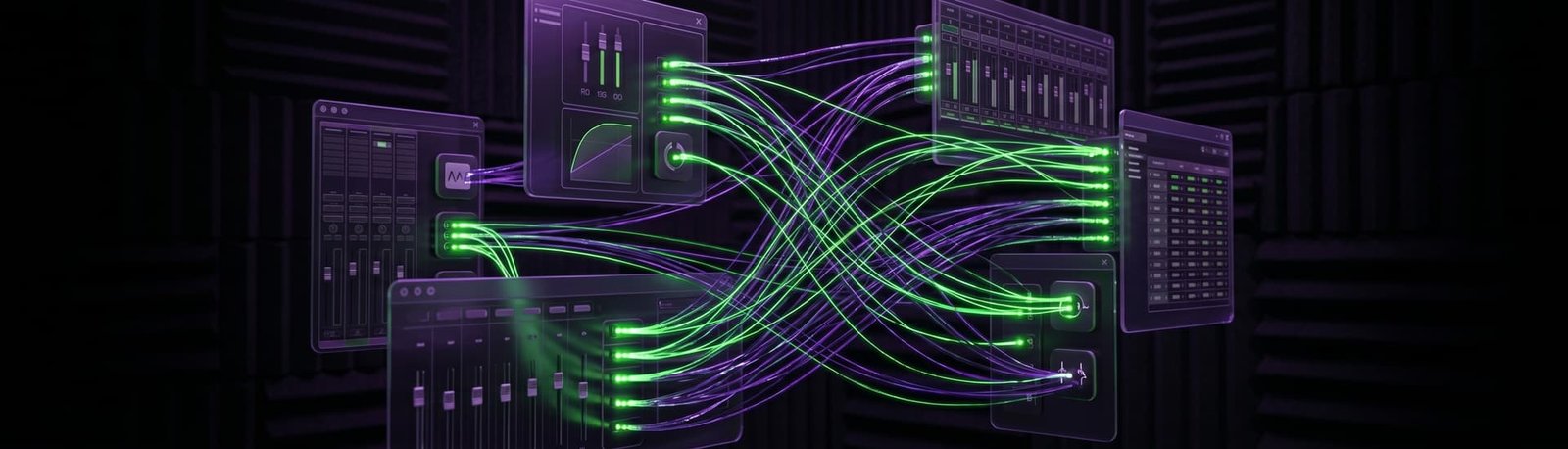
Echo on your stream mic in OBS?
You sound hollow, or viewers hear you twice. I’ll find whether it’s your room, your mic or a routing loop in OBS or VoiceMeeter, and fix it live on a remote session.
5.0 from 175+ Google reviews for my consultancy, Audio Support
Sound familiar?
Your viewers are hearing something you don’t.
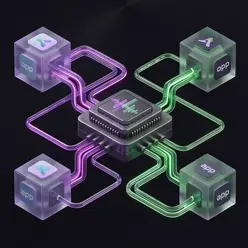
You, twice
Viewers hear your voice or your game a split second after the original.
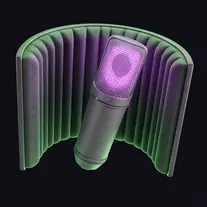
The hollow room
You sound distant and boxy, even with acoustic panels on the walls.

The VoiceMeeter loop
Since adding a virtual mixer, your desktop sound is looping back into your mic track.


How I fix it
A live remote session. You stay at your desk, and I work on your computer with you.
I call you on WhatsApp
I connect and listen
We trace the echo
A real fix
A new podcaster who still had echo after putting up acoustic panels.
Hollow echo and background noise on a Blue Yeti in OBS
The problem
She recorded on a MacBook with a Blue Yeti. Her audio in OBS sounded hollow and echoey, with loud background noise, despite acoustic panels and several filters from YouTube tutorials.
What I did
- Switched off the OBS filters she’d added, so we could hear the raw mic.
- Talked her through switching the Yeti from the wrong pattern to cardioid, so it stopped picking up reflections from the walls behind her.
- Angled the Yeti so she spoke into its front, not the top, and replaced a hidden 18dB macOS boost with proper gain on the mic.
The result
Result: the room echo and the background noise were gone, without any OBS filters. Her review: “It was so great working with Paul!”
What it costs
No packages to decode, no upsells. Pick the one that fits and book it.
Diagnosis
Free
Send me your audio clips. I’ll listen properly and tell you what’s wrong and how I’d fix it — back with you by the next working day, UK hours.
Send me your audioLive Diagnostic
£90
A focused, one-hour, screen-shared session to find and kill a specific problem. Mic suddenly not recording, distortion out of nowhere, routing that’s blocking your chat, software that won’t behave. Most issues are gone inside the session.
Book a Live DiagnosticFull Studio Setup
£180
Around two hours. I take control and configure your whole rig from scratch — hardware and software, gain staging, mic positioning, routing, the lot. For new gear, a new room, or a setup that’s never quite worked properly. You end up with a system that just runs.
Book a Full Studio SetupPriced in GBP. International clients welcome — your bank converts at checkout.
Before you book
The questions streamers ask me most.
How do I know which kind of echo I have?
If you hear a delayed copy of yourself or your game, it’s usually a loop. If you just sound far away and hollow, it’s usually the room and the mic.
Do I need to get rid of VoiceMeeter?
Not usually. VoiceMeeter works well when it’s routed properly. I set it up for streamers who need it and remove whatever is causing the loop.
Will acoustic panels fix it?
They help with room echo, but they can’t fix a mic listening in the wrong direction or a routing loop. In one session the panels were already up; the fix was the mic’s pattern.
Takes less than 2 minutes.
Related: Background noise on your stream mic · OBS not picking up your mic · VST effects on live vocals in OBS