
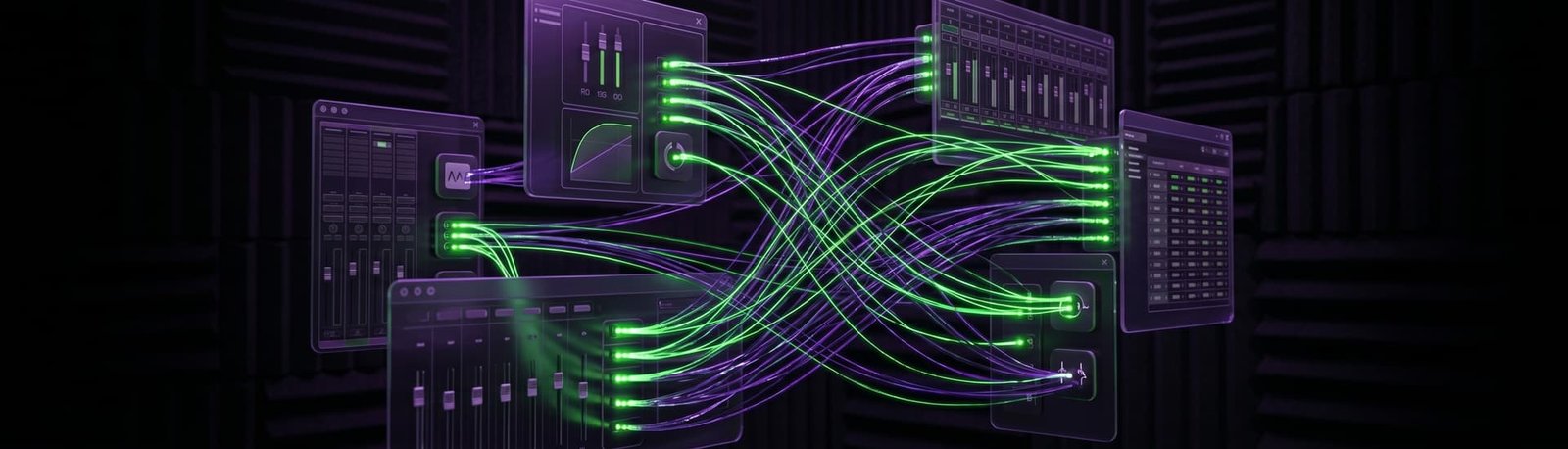
OBS audio out of sync with your video?
Your voice lands before your lips move, or drifts further out the longer you stream. I’ll find what’s causing the delay and fix it at the source, live on a remote session.
5.0 from 175+ Google reviews for my consultancy, Audio Support
Sound familiar?
You’ve tried Sync Offset. It still isn’t right.
Audio ahead of video
Viewers hear you a beat before they see you, or the other way round.
Drift over time
It starts in sync, then slides further out as the stream or recording goes on.
Offsets that don’t hold
A Sync Offset fixes it for one stream, then it’s wrong again next time.


How I fix it
A live remote session. You stay at your desk, and I work on your computer with you.
I call you on WhatsApp
I connect and listen
We check every device in the chain
A real fix
A live streamer whose audio kept running ahead of his video.
Audio ahead of video, with Sony Handycams and Elgato Cam Links
The problem
He streams with Sony Handycams through Elgato Cam Links, a Zoom F6 as his audio mixer and a Lenovo Legion laptop. In OBS, the audio ran ahead of the video on stream and in recordings, and Sync Offset and bitrate changes hadn’t fixed it.
What I did
- Checked his OBS setup and found nothing obviously wrong in the settings.
- Spotted that the drivers and firmware on his gear were out of date, which matched a timing fault I’d fixed before.
- Helped him update the firmware and drivers on every device, then set him an extended recording test.
The result
Result: after the extended test he messaged to confirm the fix, and sent a tip.
What it costs
No packages to decode, no upsells. Pick the one that fits and book it.
Diagnosis
Free
Send me your audio clips. I’ll listen properly and tell you what’s wrong and how I’d fix it — back with you by the next working day, UK hours.
Send me your audioLive Diagnostic
£90
A focused, one-hour, screen-shared session to find and kill a specific problem. Mic suddenly not recording, distortion out of nowhere, routing that’s blocking your chat, software that won’t behave. Most issues are gone inside the session.
Book a Live DiagnosticFull Studio Setup
£180
Around two hours. I take control and configure your whole rig from scratch — hardware and software, gain staging, mic positioning, routing, the lot. For new gear, a new room, or a setup that’s never quite worked properly. You end up with a system that just runs.
Book a Full Studio SetupPriced in GBP. International clients welcome — your bank converts at checkout.
Before you book
The questions streamers ask me most.
Can’t I just use Sync Offset?
For a fixed delay, yes. But if the audio drifts further out over time, an offset only hides it for a while. That usually points to a device that needs a firmware or driver update.
Is it my audio or my video?
Either can be the late one. I check both sides: cameras and capture devices, and your mic, interface or mixer.
Have you fixed this before?
Yes. On a church livestream the audio drifted about 30 seconds behind after an hour; updating the firmware on the ATEM Mini Pro and the Behringer FLOW8 stopped it. Read it on my sister site, Audio Support.
Takes less than 2 minutes.
Related: Capture card audio not reaching OBS? · OBS audio crackling or stuttering? · OBS not picking up your mic?