
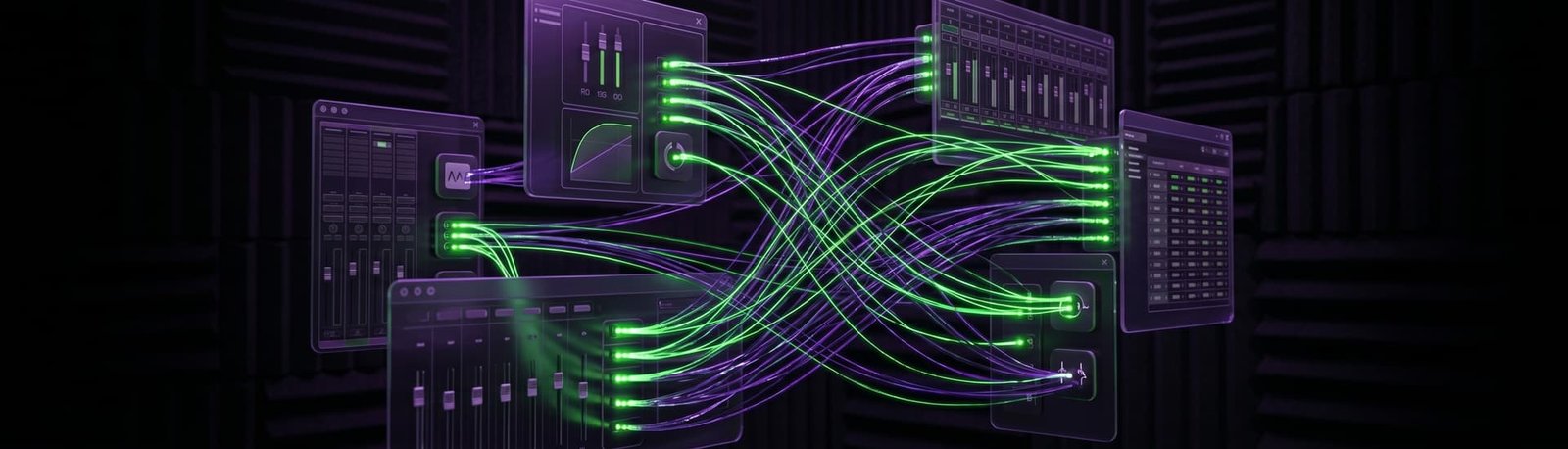
VST effects on your live vocals in OBS
Reverb, EQ and compression on your voice while you stream, without stutter, lag or crackle. I’ll set up the plugins and the routing for you, live on a remote session.
5.0 from 175+ Google reviews for my consultancy, Audio Support
Sound familiar?
You know the sound you want. Getting it live is the hard part.
Stutter and dropouts
The moment you add effects, your stream audio stutters, drops out or crackles.
Plugins that won’t behave
OBS can’t see your plugins, or they load and seem to do nothing.
Lag in your headphones
You hear your own voice late, so singing in time is impossible.



How I fix it
A live remote session. You stay at your desk, and I work on your computer with you.
I call you on WhatsApp
I connect and listen
We build your vocal chain
A real fix
A singer who wanted studio effects on her live streams.
Live reverb and EQ for a singer streaming to YouTube
The problem
She had a new Windows laptop, a RØDE NT1-A and a Focusrite Scarlett, and wanted EQ, compression and reverb on her live streams. She got stuttering, dropouts and harsh digital noise instead.
What I did
- Set up the Focusrite ASIO driver and locked the interface to one sample rate and a low buffer size.
- Installed and configured VoiceMeeter Banana, and hosted her effects in the lightweight Light Host instead of a full DAW.
- Disabled unused audio devices in Windows, matched every app to the same sample rate and routed the processed voice into OBS.
The result
Result: she could hear her processed vocals in real time, and the stuttering was gone on YouTube and Facebook Live. Her review: “He is literally my Audio Tech Hero!”
What it costs
No packages to decode, no upsells. Pick the one that fits and book it.
Diagnosis
Free
Send me your audio clips. I’ll listen properly and tell you what’s wrong and how I’d fix it — back with you by the next working day, UK hours.
Send me your audioLive Diagnostic
£90
A focused, one-hour, screen-shared session to find and kill a specific problem. Mic suddenly not recording, distortion out of nowhere, routing that’s blocking your chat, software that won’t behave. Most issues are gone inside the session.
Book a Live DiagnosticFull Studio Setup
£180
Around two hours. I take control and configure your whole rig from scratch — hardware and software, gain staging, mic positioning, routing, the lot. For new gear, a new room, or a setup that’s never quite worked properly. You end up with a system that just runs.
Book a Full Studio SetupPriced in GBP. International clients welcome — your bank converts at checkout.
Before you book
The questions streamers ask me most.
Do I need a DAW running in the background?
Usually not. A lightweight plugin host does the job with far less CPU, which matters on a computer that’s also streaming.
Which plugins should I use?
It depends on your voice and the sound you want. Free plugins go a long way: in one session a free reverb gave a karaoke streamer exactly the sound he was after.
Will it work on a Mac?
Yes. On a Mac the plugins are usually AU rather than VST, and the same approach applies: a light host, clean routing and one sample rate.
Takes less than 2 minutes.
Related: Best mic settings for OBS · Logic Pro CPU overload in OBS · OBS not picking up your mic