
Elgato Wave Link mic not working in OBS?
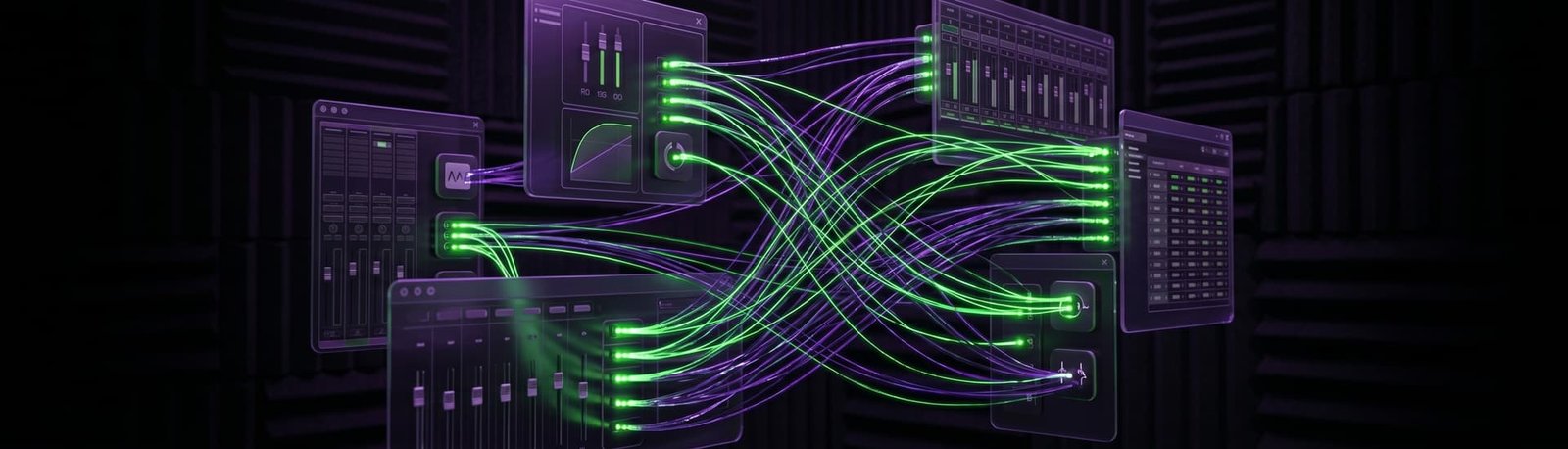
Wave Link shows your mic, but OBS, your game or your headphones get nothing. I’ll sort out the Wave Link routing and the Windows settings around it, live on a remote session.
5.0 from 175+ Google reviews for my consultancy, Audio Support
Sound familiar?
Wave Link adds its own mixer between your mic and everything else. That’s usually where it goes wrong.
Silent in OBS
Your mic moves the meters in Wave Link, but OBS hears nothing.
Silent in game chat
Your stream can hear you but your team can’t, or the other way round.
Nothing in your headphones
Headphones plugged into the Elgato play no Windows sound at all.



How I fix it
A live remote session. You stay at your desk, and I work on your computer with you.
I call you on WhatsApp
I connect and listen
We match every app
A real fix
A Twitch streamer with a silent mic, silent game chat and silent headphones.
Elgato Wave Link mic silent in OBS and GTA V chat
The problem
Her Elgato Wave Link mic wasn’t picked up by OBS or by voice chat in GTA V, and her earbuds in the Wave Link headphone jack played nothing.
What I did
- Found the Wave Link headphone output disabled in Windows Sound Settings and switched it back on.
- Talked her through choosing Wave Link Microphone with FX as her mic in OBS, then set OBS to monitor through her Wave Link headphones.
- Talked her through the same mic and headphone choice in GTA V voice chat, followed by a restart.
The result
Result: she tested voice chat on a game server and could stream and talk in game again. Her review: “He went above and beyond to help me out with my audio setup!”
What it costs
No packages to decode, no upsells. Pick the one that fits and book it.
Diagnosis
Free
Send me your audio clips. I’ll listen properly and tell you what’s wrong and how I’d fix it — back with you by the next working day, UK hours.
Send me your audioLive Diagnostic
£90
A focused, one-hour, screen-shared session to find and kill a specific problem. Mic suddenly not recording, distortion out of nowhere, routing that’s blocking your chat, software that won’t behave. Most issues are gone inside the session.
Book a Live DiagnosticFull Studio Setup
£180
Around two hours. I take control and configure your whole rig from scratch — hardware and software, gain staging, mic positioning, routing, the lot. For new gear, a new room, or a setup that’s never quite worked properly. You end up with a system that just runs.
Book a Full Studio SetupPriced in GBP. International clients welcome — your bank converts at checkout.
Before you book
The questions streamers ask me most.
Which mic should I pick in OBS?
Wave Link offers more than one version of your mic. In one session the right choice for both OBS and the game was “Wave Link Microphone with FX”, so her effects came through everywhere.
Why is there nothing in my headphones?
Often Windows has the Wave Link headphone output switched off as a playback device. It’s a quick fix once you know where to look.
Will it work with my setup?
Windows or Mac, OBS or another streaming app, any game with voice chat. If you’re not sure, the free Diagnosis will tell you.
Takes less than 2 minutes.
Related: OBS not picking up your mic · Mic too quiet in OBS · Elgato HD60 X party chat